Use cases
Ball Streaming
Simple data streaming (Video/GIF)
Represent a video (or GIF) as N balls that all share ball_id = "video123":
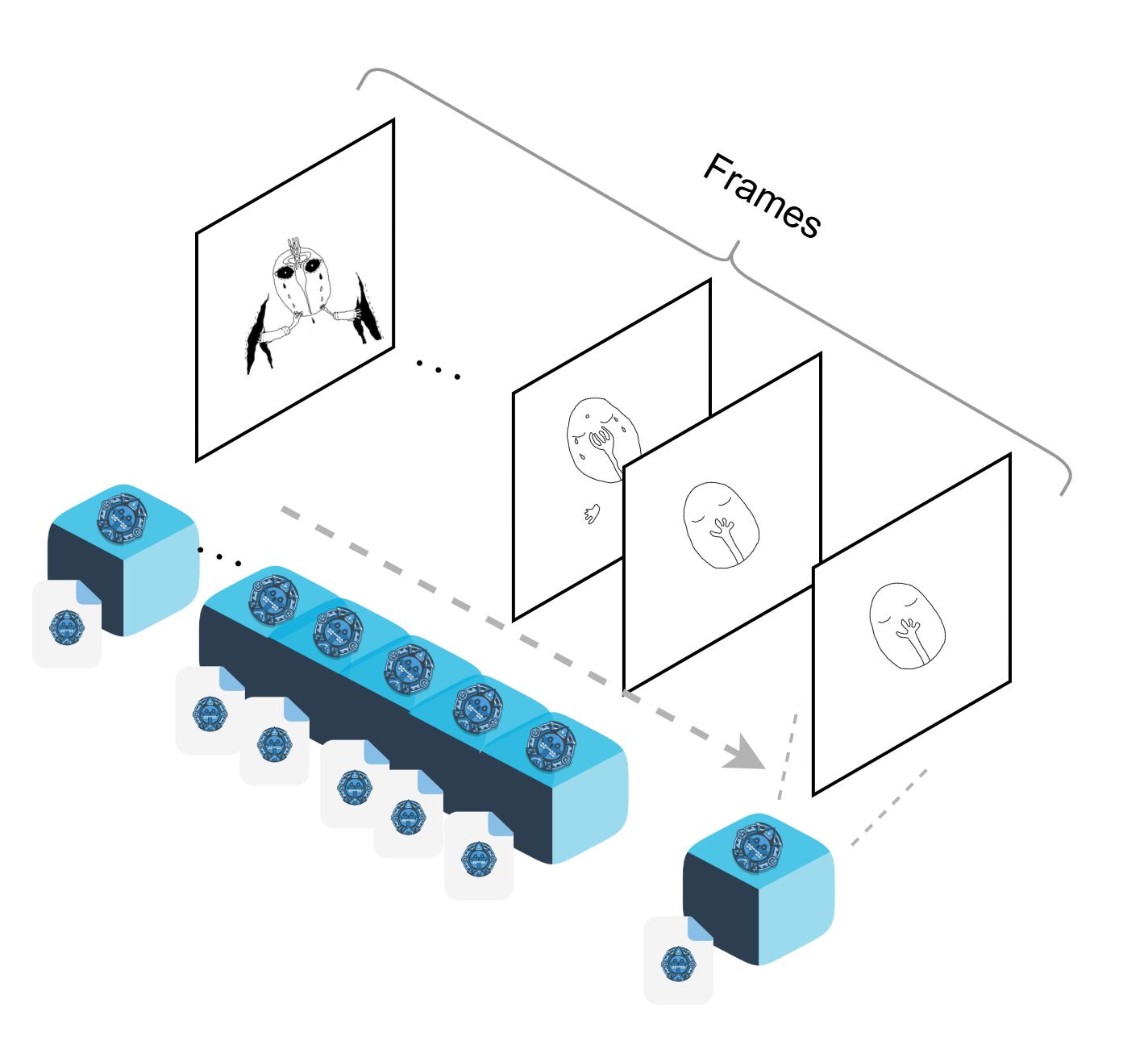
Fig. Balls (Data + Metadata) storing frames of a Video/GIF.
Each ball = one frame: - Data: The image bytes for that frame. - Metadata: frame_number(ordering)
This example is implemented in examples/peer/04_put_frames.py.
You can run it directly from the CLI with your chosen arguments:
python3 examples/peer/04_put_frames.py --bucket_id videos --ball_id video123 --frames_dir ./examples/data/frames
Output
[128/170] PUT OK -> key=video123_127
[129/170] PUT OK -> key=video123_128
[130/170] PUT OK -> key=video123_129
[131/170] PUT OK -> key=video123_130
[132/170] PUT OK -> key=video123_131
[133/170] PUT OK -> key=video123_132
[134/170] PUT OK -> key=video123_133
[135/170] PUT OK -> key=video123_134
[136/170] PUT OK -> key=video123_135
[137/170] PUT OK -> key=video123_136
[138/170] PUT OK -> key=video123_137
[139/170] PUT OK -> key=video123_138
[140/170] PUT OK -> key=video123_139
[141/170] PUT OK -> key=video123_140
[142/170] PUT OK -> key=video123_141
Example: Video/GIF - Download frames
Once the frames have been stored as balls with the same ball_id, you can retrieve them all together.
The get_by_ball_id call returns the list of balls (frames) that belong to the group.
You then sort them using the frame_number tag in their metadata and stream each frame in sequence.
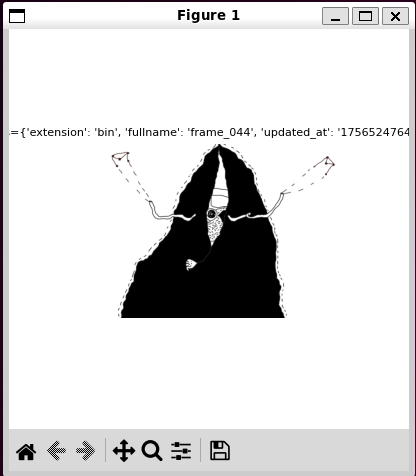
Fig. Downloading and rendering frames grouped by ball_id.
How it works:
1. Query by ball_id → peer.get_by_ball_id(bucket_id, ball_id) returns all frame-balls.
2. Order frames → sort them using the frame_number tag to preserve sequence.
3. Stream data → fetch each frame’s bytes with get_streaming.
4. Preview → display frames in order with a configurable delay (--delay_ms) or reconstruct into an animation.
This example is implemented in examples/peer/05_get_frames.py.
You can run it directly from the CLI:
Bulk Operations
PENDING
Data Synchronization
PENDING
Big files
PENDING